
Guide
How to export, save and share a tier list
Download a PNG, copy a share link, keep saved lists and print a blank template.
Updated
Finished your ranking? Here are all the ways to save it, export it and show it off with our free tier list maker.
Export a PNG image
Press Export PNG above the board. You’ll get a crisp, high-resolution image of your title, tiers and items — perfect for social posts, group chats, school projects or printing. There’s no watermark beyond a small credit line.
Tip: the exported title is whatever you typed at the top of the board, so give it a clear name first (“Best fast food — 2026”).
Copy a share link
Press Share link to copy a link that opens your exact list — title, tier names, colours and placements. Anyone who opens it gets their own copy to edit; your original stays untouched.
Share links include text and emoji items only. Uploaded images stay private on your device, so export a PNG when your list uses pictures.
Save lists for later
- Your current list autosaves in your browser as you work.
- Press Save to keep a copy in My lists.
- Starting a New list or loading a template automatically keeps your previous list in My lists.
- Open My lists any time to reopen or delete saved lists.
Everything is stored in your own browser. If you clear site data or switch devices, export a PNG or copy a share link first.
Print a blank tier list
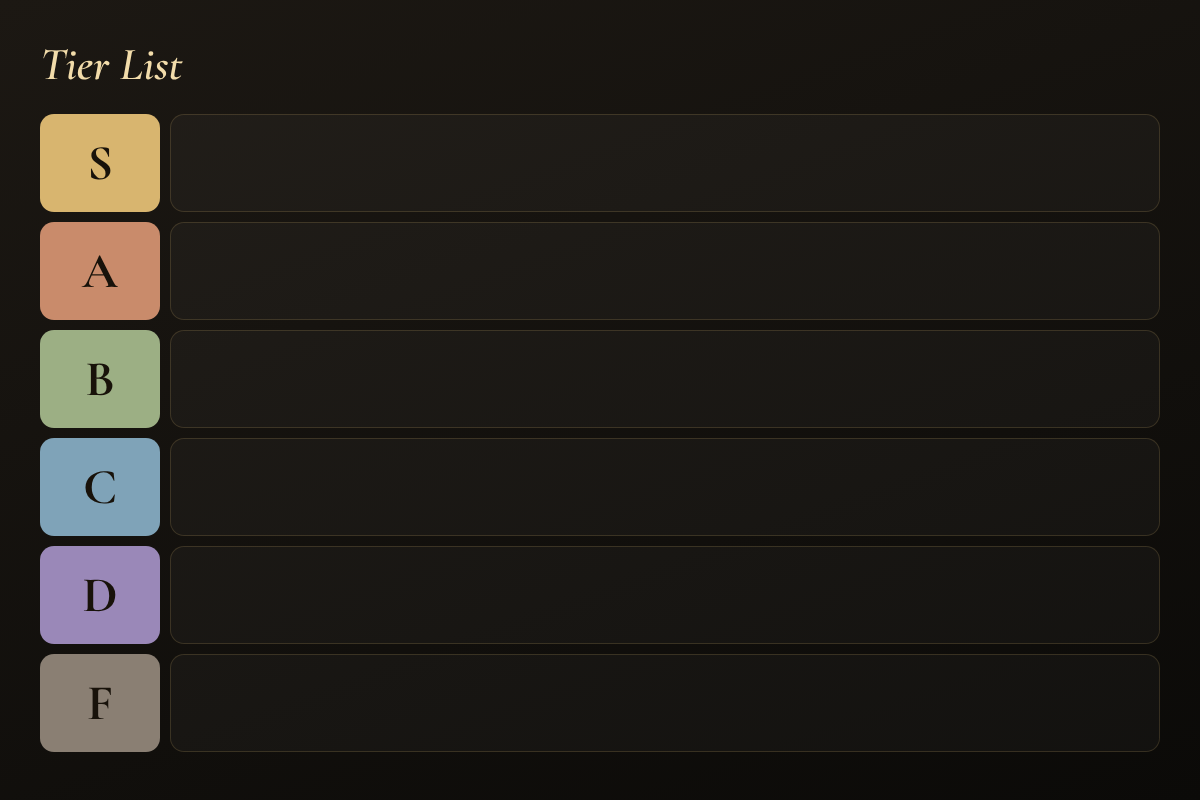
Need a paper version for a classroom or party? Download the blank tier list template PNG from our templates page and print it, or export your own empty board with custom tier names.
Share a ranking chart
The ranking chart maker has the same Export PNG and Share link buttons for numbered top 10 lists.
Troubleshooting
- The download didn’t start: check your browser didn’t block the download, then try again.
- The link is very long: that’s normal — the whole list is packed into the link, so nothing is stored on a server.
- My images are missing in a shared link: images can’t travel in links; export a PNG instead.
Ready to share? Open the tier list maker.
Try it yourself
Free, no sign-up — rank anything in minutes.