
Guides
Designing Custom Tiers: Beyond S to F
Rename, recolour and restructure your tiers to tell a clearer story.
By Tier List Maker Team ·
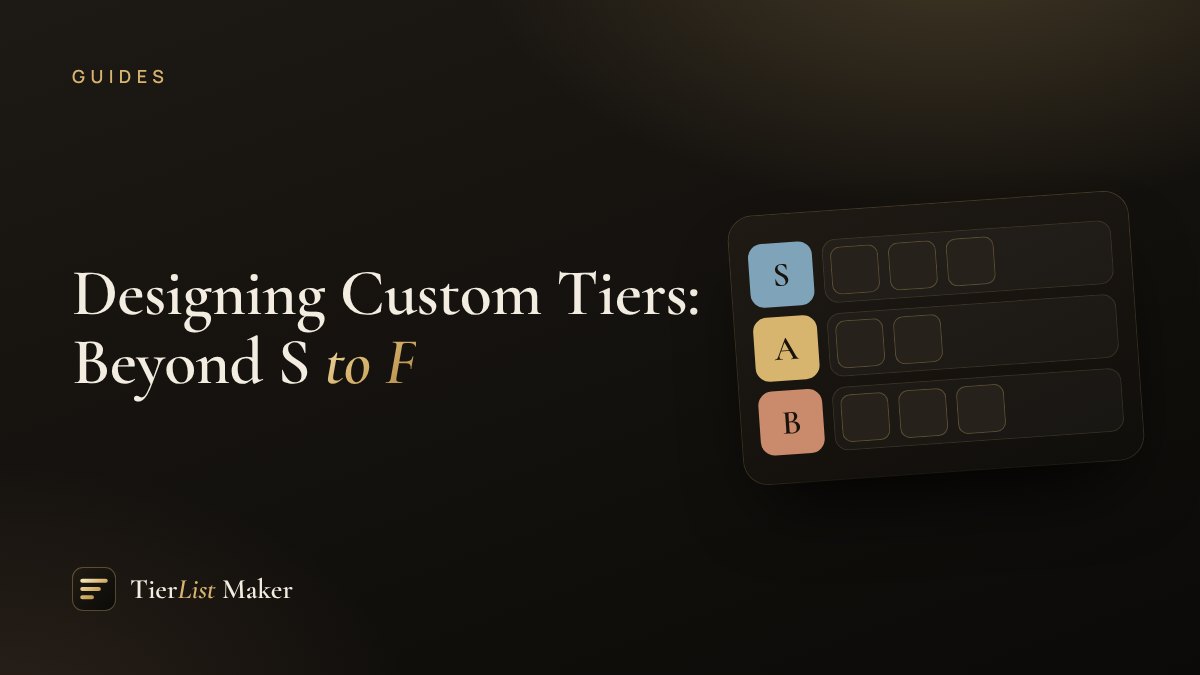
The S-to-F scale is a convention, not a rule. Custom tiers often communicate your opinion better.
Rename for meaning
Click any tier label in the maker to rename it. Some favourites:
- Travel: “Go now”, “Worth a detour”, “If you’re nearby”, “Skip”
- Recipes: “Weekly rotation”, “Special occasions”, “Never again”
- Books: “Reread”, “Recommend”, “Finished it”, “Did not finish”
Use colour intentionally
Each tier’s colour can be changed from a curated palette or any custom colour. Some tips:
- Use a warm-to-cool gradient so the scale reads at a glance.
- Use a single hue in different strengths for a minimalist look.
- Match your brand or community colours for shared lists.
Choose the right number of tiers
Three tiers are fast and decisive. Six is the classic. More than eight starts to feel like a numbered list. Add, remove and reorder tiers with the controls on the right of each row.
Keep labels short
Short labels fit neatly in the tier column and stay readable in exported images. One to three words is ideal.